Firmware Upgrade
For now, upgrading the Firmware of the SentiBoard 2.0 is done through the use of NXP's official MCUXpresso Secure Provisioning Tool.
Prerequisites:
- Download and install MCUXpresso Secure Provisioning Tool
- A prebuilt binary image of the SentiBoard 2.0 Firmware you want to deploy
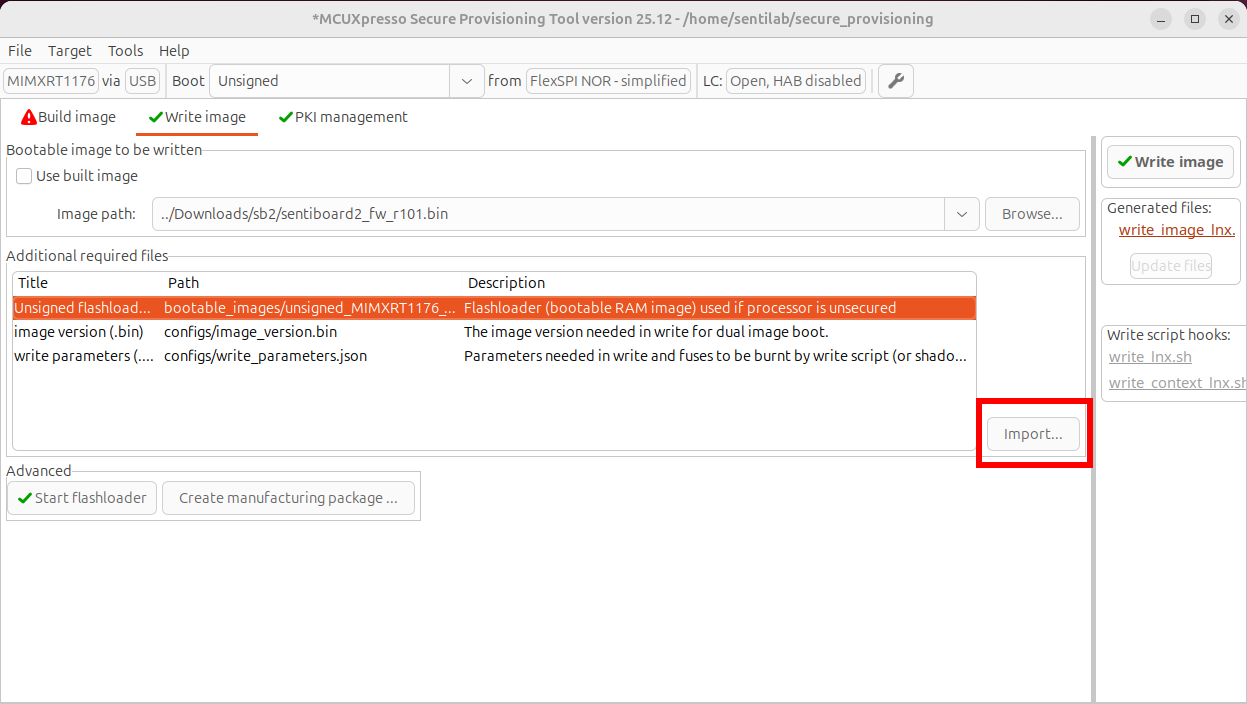
unsigned_MIMXRT1176_flashloader.bin,image_version.binandwrite_parameters.jsonsupplied by SentiSystems.
Steps:
- Setup a workspace, choose `MIMXRT1176 (RT1170-EVKB) and "Default Configuration" in the initial menu. "Source executable image" field can be set to the SentiBoard 2.0 Firmware binary file. Finish with "Create" button.
- Connect a micro-USB cable to the SentiBoard 2.0 and connect it to the computer running MCUXpresso Secure Provisioning Tool
- Press and Hold the ISP_EN Button while Pressing the RESET/PWR Button. Release the RESET/PWR Button while still holding ISP_EN. Relase ISP_EN after a minimum of 1 sec.
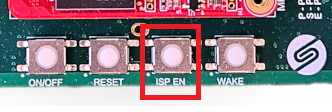
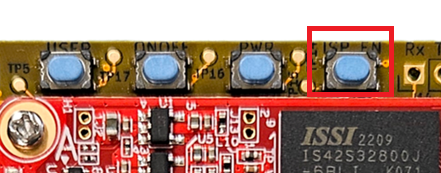
- Verify the SentiBoard 2.0 is now in ISP mode by pressing the USB button in the top
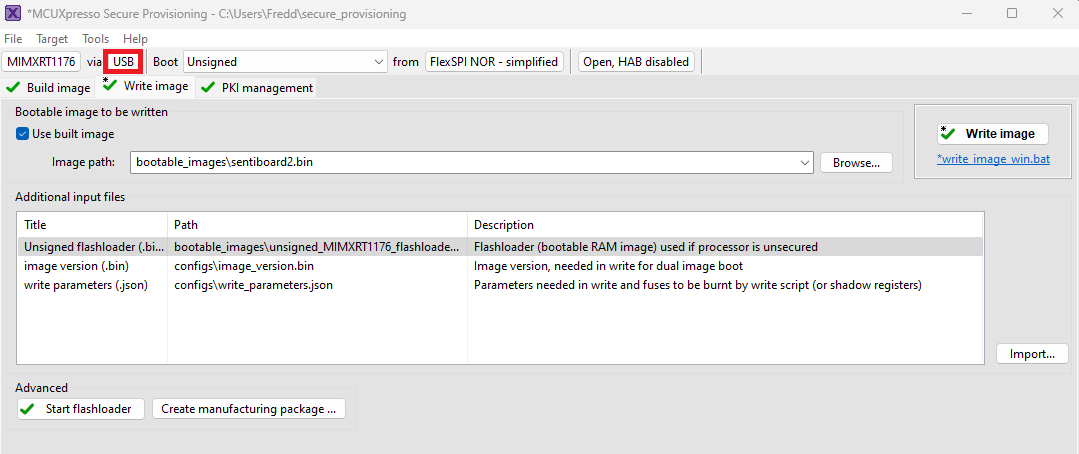
- Press "Test Connection" and make sure it returns with Status OK
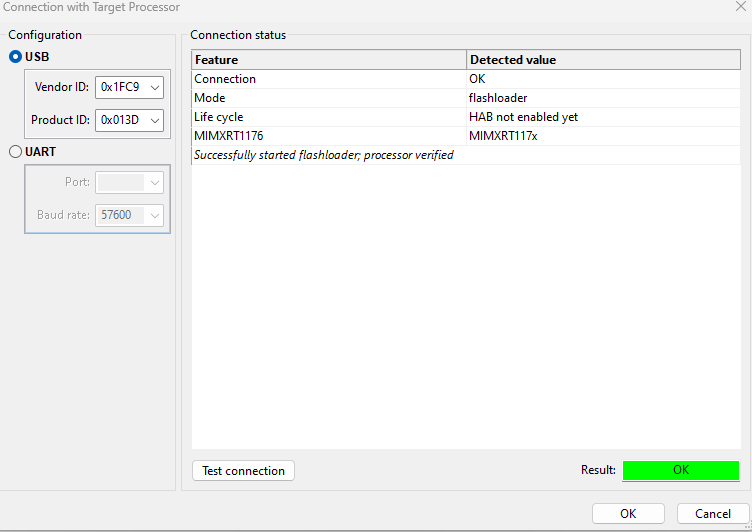
- Go to the "Write Image" tab.
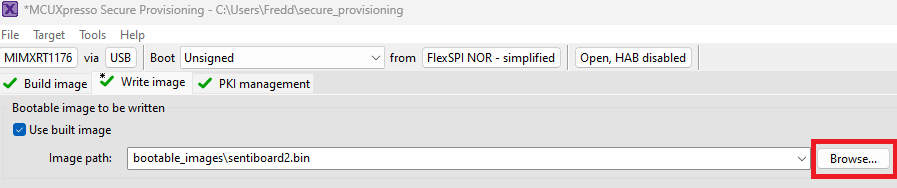
- Press "Browse" and select the prebuilt (and official) SentiSystems SentiBoard 2.0 binary you have received.
- Supply the three "Additional Required Files" using the "Import..." button.
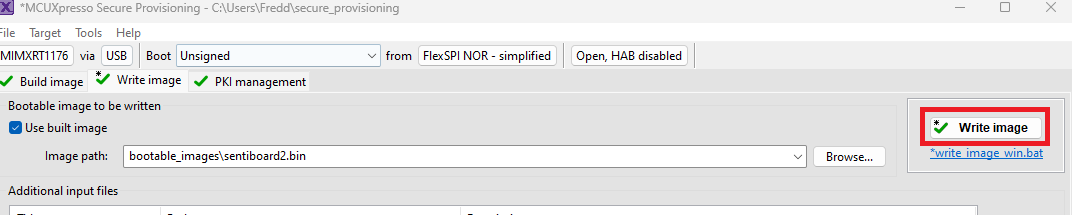
- Press "Write Image"
- Finally press the RESET Button on the SentiBoard to restart the SentiBoard and make it boot the new Firmware.